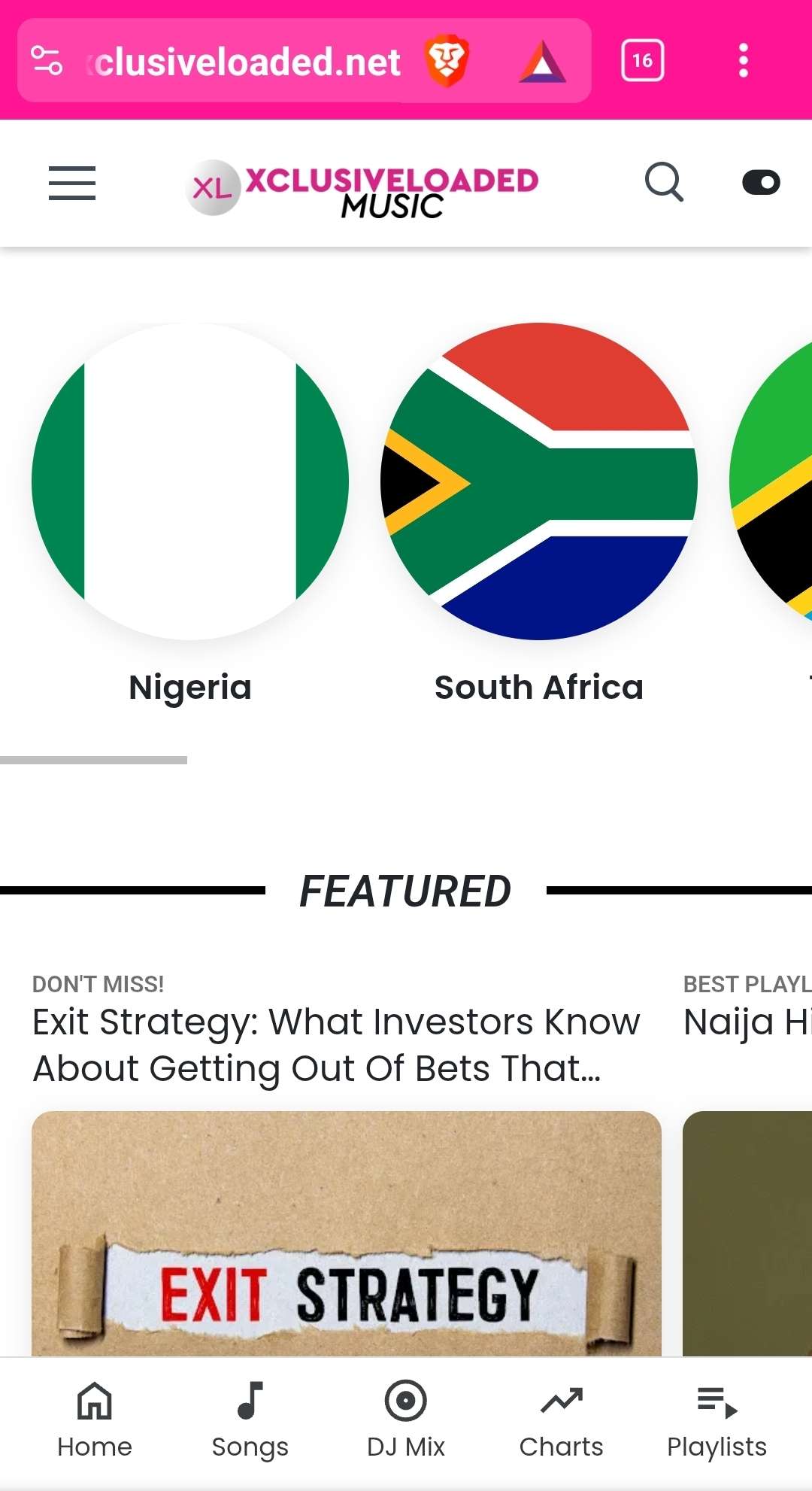
Description
🚀 Xclusiveloaded.net WordPress Theme – Now Available
The official Xclusiveloaded.net WordPress theme — designed by Pedro — is now available!
This premium theme is packed with all the powerful features and aesthetics that make Xclusiveloaded.net one of the most dynamic music platforms online.
⚙️ Getting Started
After activating the theme:
- Go to Settings → Permalinks.
- Click Save Changes (no adjustments needed).
That’s it — your theme is ready to roll!
🎨 Customization
Color:
- Navigate to Appearance → Customize → Color → Primary Color 1 to personalize your theme’s primary color.
Logos, About Us & Social Media:
- Go to Appearance → Xclusive Optionsto update:
- Header and footer logos
- “About Us” section
- Social media links
👨🎤 Artists
Before creating songs, first create your artists.
Go to Artist and add new entries — it’s straightforward and essential for proper song organization.
💿 Albums
To add albums:
- Go to Album → Add New
- Add album title
- Assign the relevant artist and fill out all metadata
- You can link songs to the album (if they already exist)
🎵 Songs
To add songs:
- Go to Song → Add New
- Add song title
- Select the main artist (and featured artists if applicable)
- Optionally, link an album and a video
- Add lyrics — just like on Xclusiveloaded.net
🌍 Genre
Genres act as song categories (e.g., countries, with flags).
Go to Song → Genre and upload an image or flag representing that genre.
🎥 Videos & 📰 News
You can also create videos or news posts related to artists.
These sections are optional but great for expanding your content variety.
�? Auto Playlist
Most loops and sections (like Trending) have auto playlist functionality.
For example, when a user plays a song from “Trending,” that entire section is automatically added to the playlist.
🧩 Widgets
Add homepage widgets via Appearance → Widgets → Smart Recent Posts (by Type/Term).
Choose where you want the widget to appear — before or after Trending Songs.
You can add widgets for songs, albums, videos, news, or posts.
If using Classic Widgets, remember to refresh the page after selecting a widget before editing its content.
🎧 Playlists
To add playlists:
- Go to Playlist → Add New
“For You” Section Setup:
- Create a Playlist Category called For You with slug for-you.
- Create a Playlist and select the For You category.
🔗 “See All Latest Nigerian Music Right Now!!!”
- Create a Genre named Nigerian Music with slug nigerian-music.
�? Top 100 Songs
The Top Songs Chart is fully automated and updates daily.
Ranking is based on audio play counts, with built-in anti-spam protection — each browser registers one play per song every 30 minutes.
If no daily data is available, it automatically switches to weekly, monthly, yearly, or all-time stats.


Reviews
There are no reviews yet.